
Everything a phone team does.
Nothing you have to be trained on.
NordTell is one product, not a bundle. Create an agent, give it a number, and every part below is already there: recordings, transfers, campaigns, tools, languages, your own brand. This page walks through all of it, in the order you will meet it.
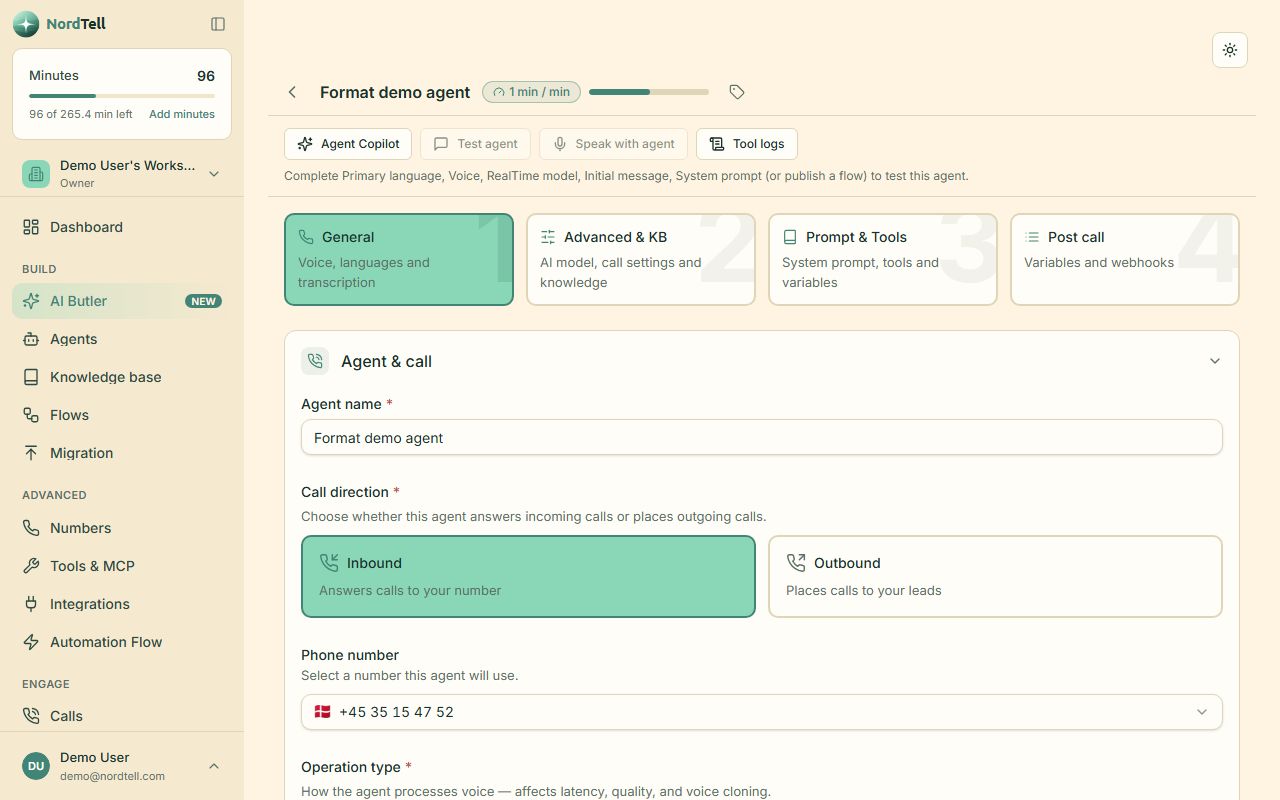
Describe the job. Pick a voice. Press Test.
An agent is a name, a set of instructions in plain words, a voice and a language. That is enough for a first call. Everything else, tools, transfers, hours, variables, is a section you open when you need it.
- Inbound or outbound, or both on the same agent
- Test in the browser with your microphone, before any phone is involved
- Prompt variables like {name} and {topic}, filled per call or per lead
- Opening hours, holiday message, fallback line, voicemail behaviour
- Folders and labels when you run many agents for many clients
Three ways to think and speak.
Pick per agent, change any time. Pipeline chains a listener, a thinker and a speaker: the widest choice of models and voices, the cheapest minutes. Speech-to-speech uses one realtime model that hears and talks: the most natural rhythm. Hybrid is realtime with a second model auditing every reply, so the agent stays on script and transfers really happen.
- Models from OpenAI, Anthropic and Google, chosen in a dropdown, provider shown next to each
- Voices from ElevenLabs and Cartesia; listeners from Deepgram, Gladia and Soniox
- The newest models as they ship: ElevenLabs v4 and v4 Turbo voices, Claude Haiku 5.5, and Gemini 3.8 Live for speech-to-speech
- Safety nets on every engine: the agent cannot claim it booked something it did not
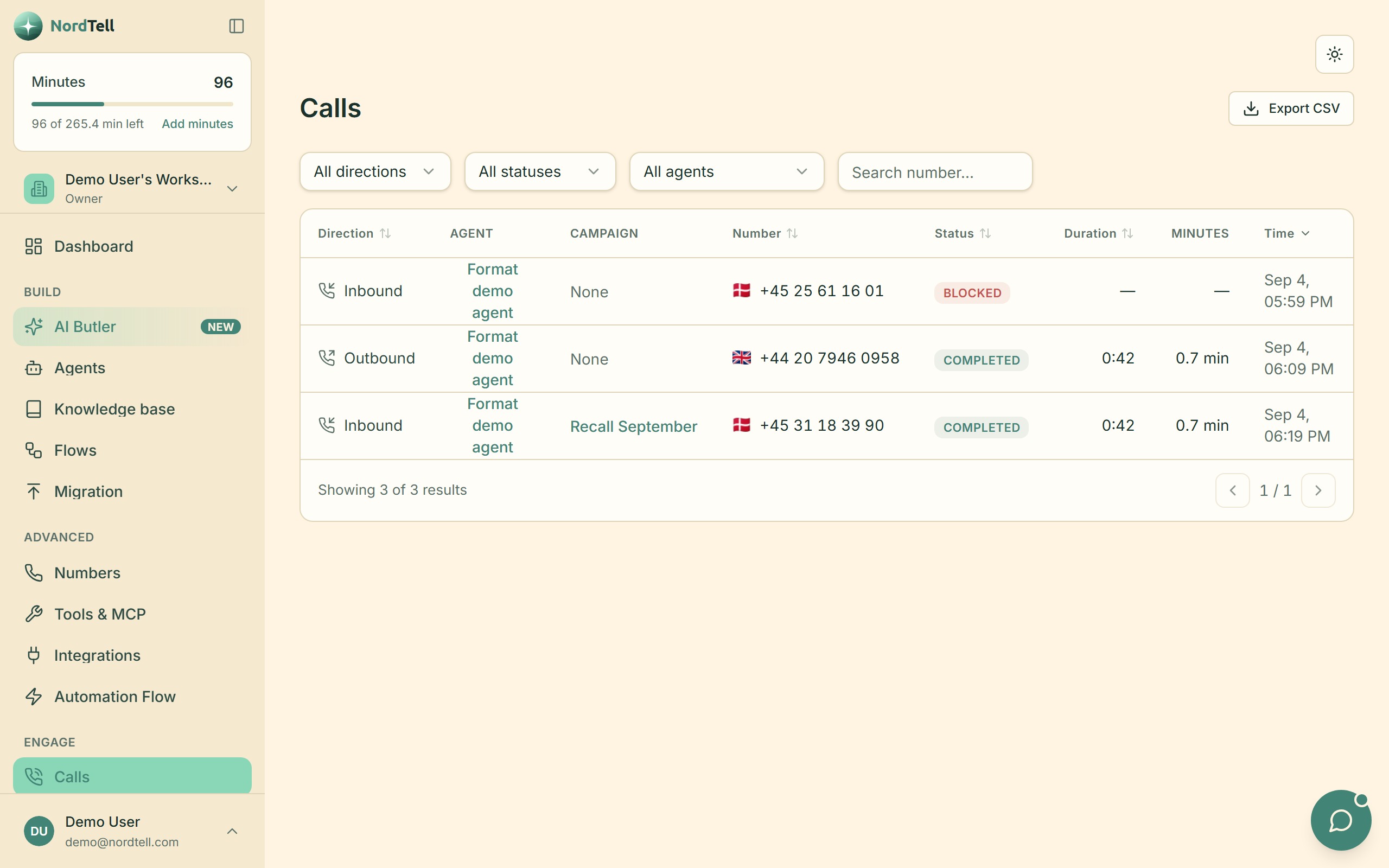
Every call, with its recording, transcript and summary.
Open a call and you see who called, how long, what was said, what the agent did, what it cost in minutes, and which tools it used. Listen in live, or read it later. Delete it when you should.
- Recording off, on, or on after the caller consents
- Summary and outcome written by the model right after the call
- Webhook deliveries listed on the call, with the response your server gave
- Minutes cost shown per call, so the invoice never surprises you
Hands the call to a person, the polite way.
A warm transfer puts the caller on hold with music, dials your colleague, briefs them privately in the agent's language, and only then connects the two. If the colleague does not answer, or their voicemail picks up, the agent notices and carries on with the caller instead of hanging up.
- Warm transfer with a private briefing, or a plain cold transfer
- The hold line and the briefing are yours to rewrite
- One recording for the whole call, both sides of the consult included
- Callbacks and messages when nobody is free
Outbound at scale, inside the hours you set.
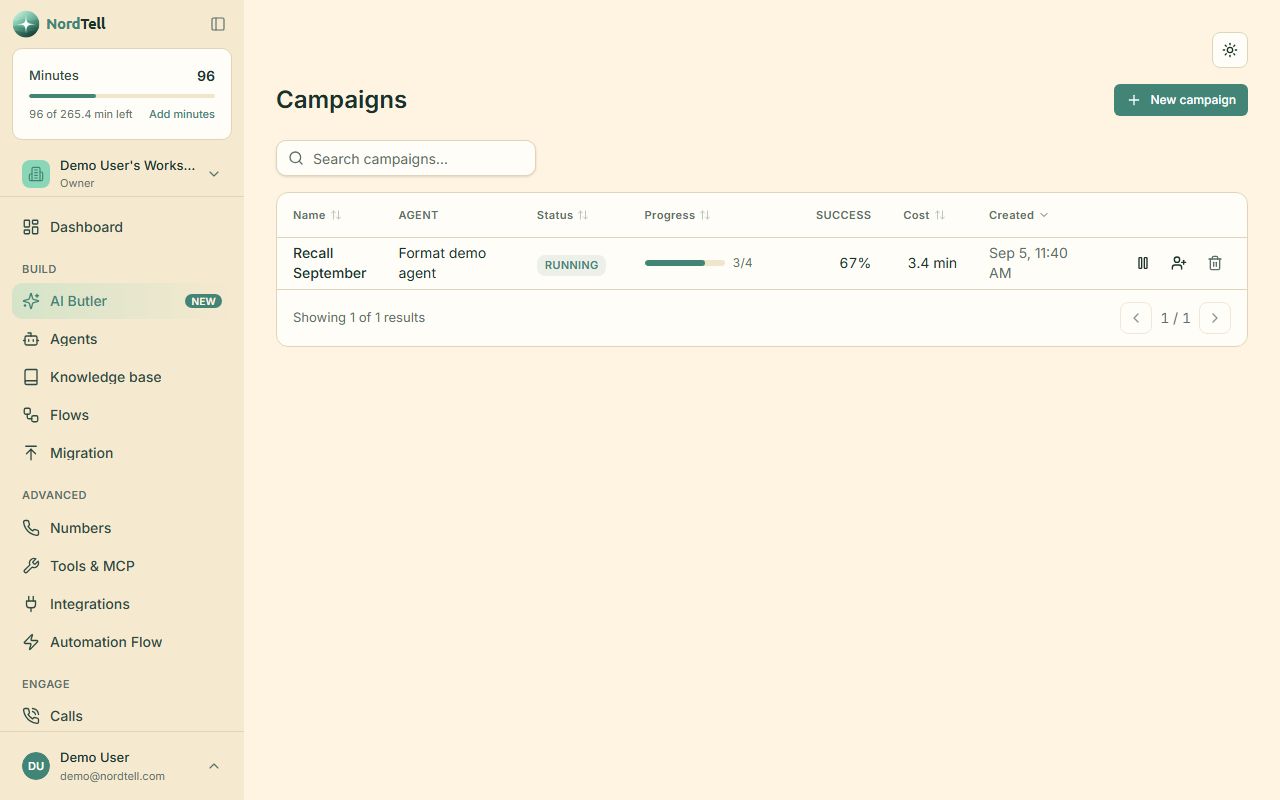
Upload leads from a file or push them over the API. Choose the agent, the calling window, how many tries and how long between them. Start it and the dialer rings the list, detects voicemail, retries busy numbers and writes every outcome on the lead.
- Calling windows per weekday, in the lead's time zone
- Retries with spacing; voicemail detection; do-not-call list respected
- Live progress: reached, booked, callback, no answer
- Start, pause and stop from the dashboard or the API
When one prompt is not enough, draw it.
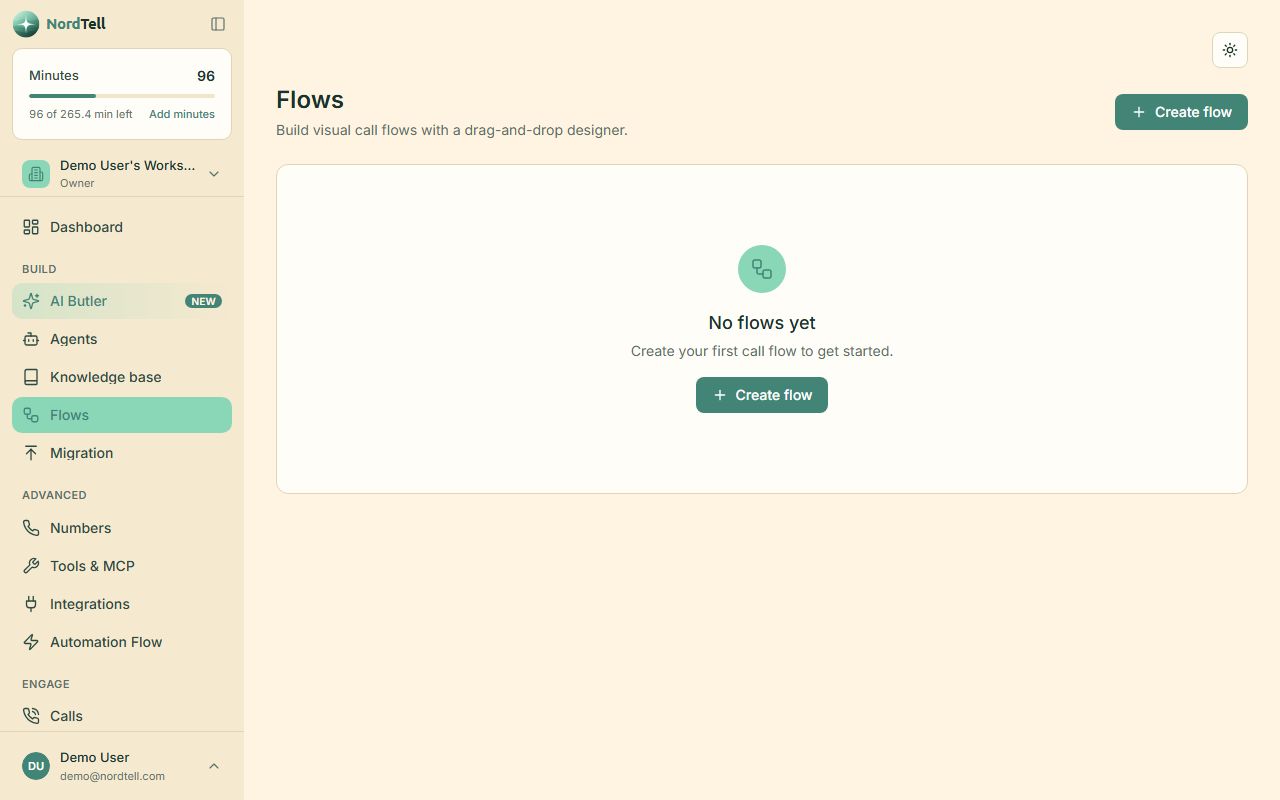
Some conversations have shape: greet, find out why they call, collect three fields, check a system, then book or hand over. Flows put that shape on a canvas. Each node is a small prompt with a purpose, and the agent moves between them as the caller answers.
- Branch on what the caller says, not on keypad digits
- Collect fields with validation, call tools, hand over to a person
- Test the whole flow in the browser, node by node
Answers from what you actually wrote.
Upload documents or point the agent at your website. Prices, opening hours, return rules, the list of doctors: the agent looks it up while talking and quotes your text, not its imagination. When it does not know, it says so and offers a person.
- PDF, Word, text and web pages
- One knowledge base shared by several agents, or one each
- Re-index when you change the document
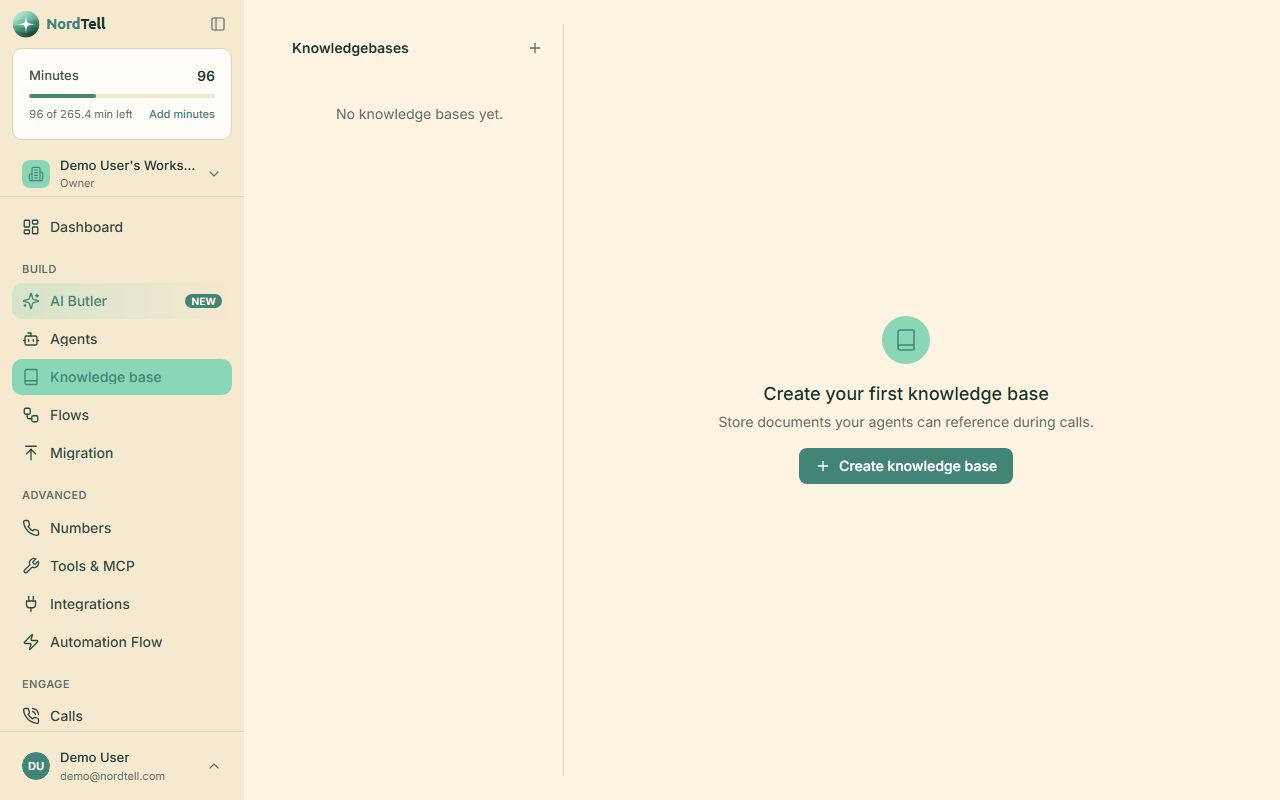
Give the agent hands.
A tool is something the agent can do during the call: check a calendar, look up an order, create a ticket, send an SMS, open a door. Describe the tool, point it at your API or an MCP server, and the model decides when to use it. Built-in tools cover the common ground: end the call, transfer, send an SMS, look up the time.
- Your own HTTP tools with typed parameters
- Any MCP server, so one integration serves every agent
- Automation flows for the long tail: CRM, sheets, chat, email
- Webhooks with a signed payload when a call starts, is answered, ends or completes
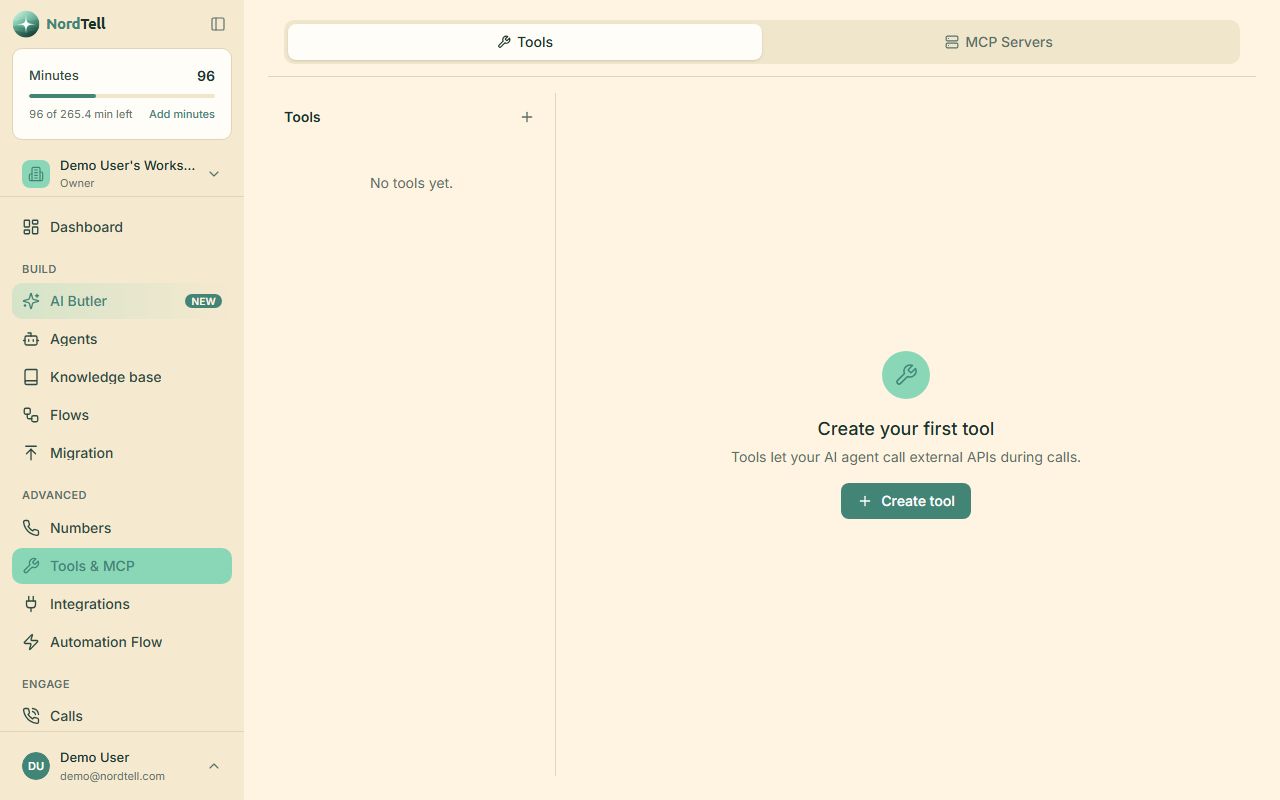
Buy a number, or bring your own.
Search and buy a number in a minute, or connect the one your customers already know from Twilio, Telnyx or any SIP provider with a short import wizard. Assign a number to an agent and calls flow. Use a separate number per agent, per client or per campaign.
- Numbers in many countries, bought inside NordTell
- Import from Twilio, Telnyx or plain SIP credentials
- Blacklist: blocked callers hear a busy tone and show as "Blocked"
Europe first. Forty languages in all.
Most voice products are English with subtitles. NordTell is built in Europe, where the language can change every few hundred kilometres, so the agent speaks around forty of them and switches mid-call when the caller does. Thirteen carry their own safety nets: the lines the agent falls back on, the words that mean "transfer me", the phrases that mean "goodbye", each written for that language rather than translated into it. The Nordic languages came first because that is where we sit, and the rest of Europe followed.
Your name on the door.
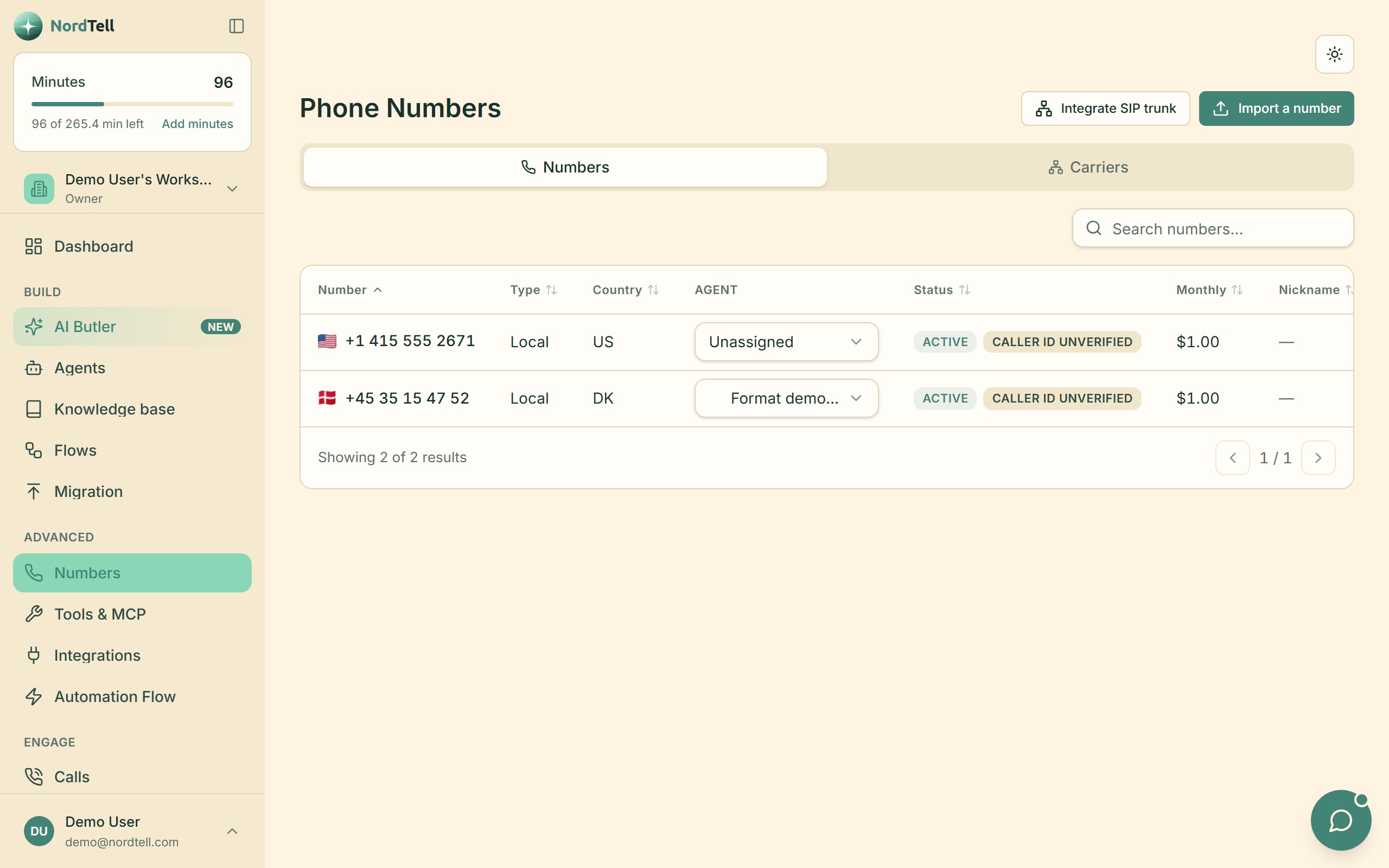
Agencies and resellers run NordTell as their own product: logo, colours, product name, emails and a custom domain with its own HTTPS certificate, set up from a form. Invite a client with one email; they choose a password on your branding and see only their own workspace. No NordTell logo, no switcher, no way into anything else.
- Custom domain with automatic certificate; DNS shown as one line to copy
- Branded sign-in, sign-up and email links
- One workspace per client, locked to that client
- Included on the Authority and Empire packages
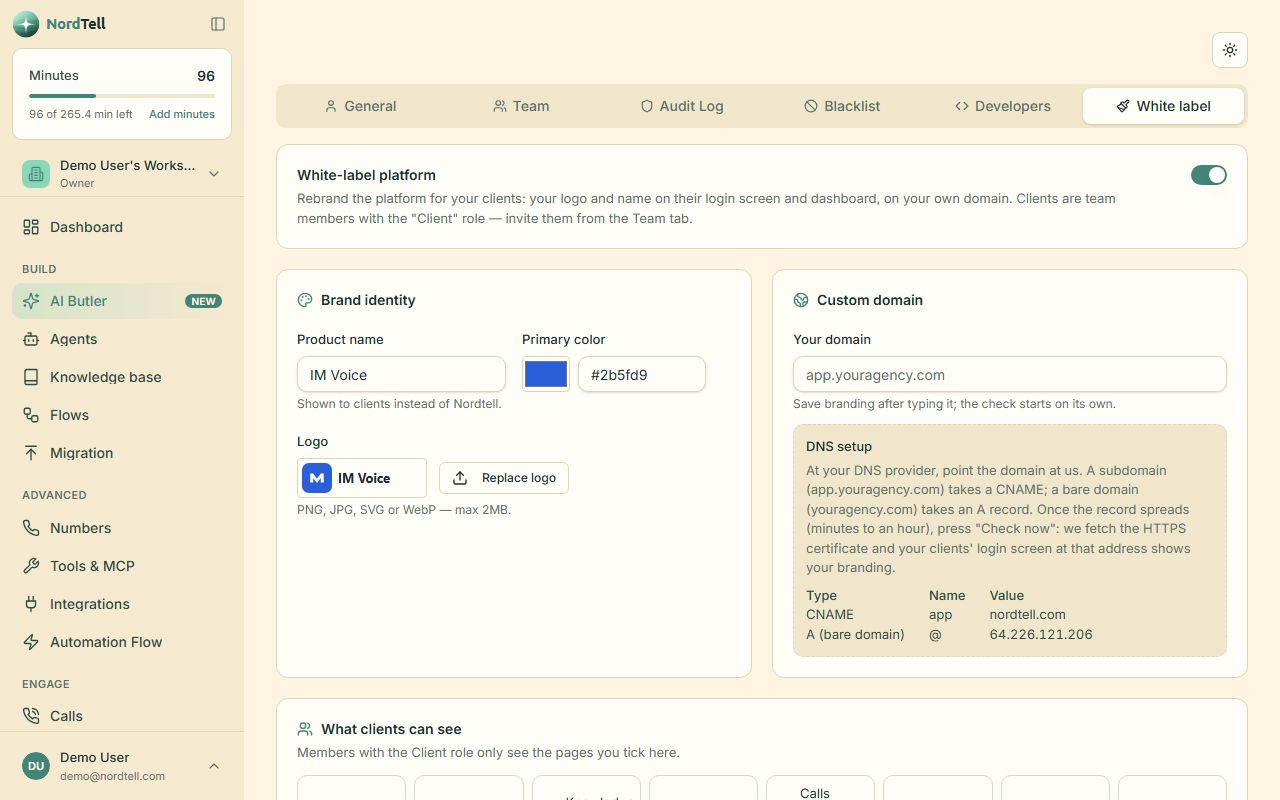
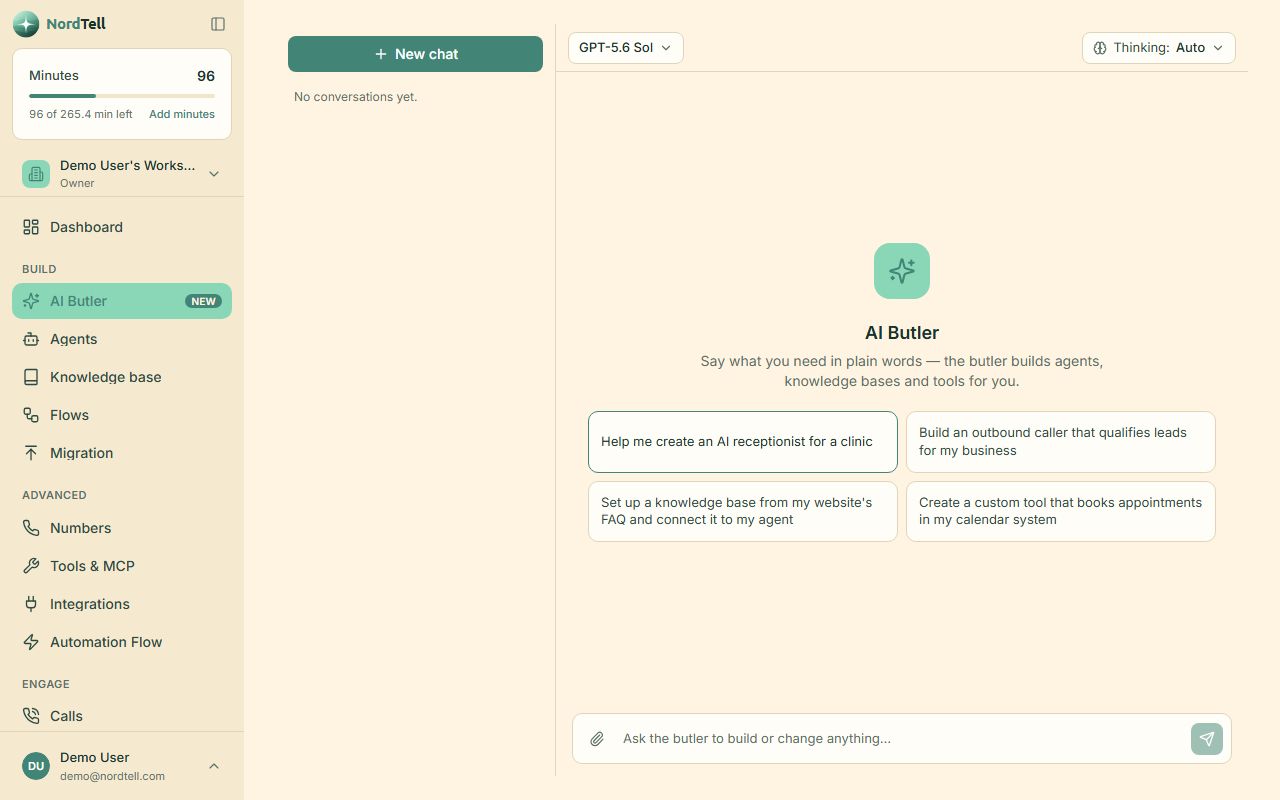
Tell it what you run. It builds the workspace.
The Butler is a chat inside the dashboard that knows the product. Say "I run a dental clinic with two dentists, we book by phone and want reminders the day before", and it creates the agent, the prompt, the tools and the automation, then shows you what it did. It only uses the same buttons you have, never anything destructive, and it answers in your language.
The parts you notice later, and are glad are there.
Team and roles
Owners, admins, members and clients. Invite by email, remove in one click.
Audit log
Who changed what, when, from where. Kept for as long as you choose.
Consent and retention
Recording rules per agent. Calls, recordings and transcripts expire on the schedule you set.
Leads
Every caller and every list you upload, with the outcome of each conversation on the record.
Web widget
Put the agent on your website as a click-to-talk button, no phone needed.
Two-factor sign-in
Authenticator apps, for the accounts that hold your customers' calls.
Minutes wallet
Included minutes renew monthly; minutes you buy on top stay. Auto top-up if you want it.
API and webhooks
Everything on this page, from your own code. Developers
The fastest way to understand it is to talk to it.
Create a free account and press Test on your first agent. No card, no call.